Business Data Exporter for Bing Maps
Export publicly available business listing details from Bing Maps to CSV or Excel. Save names, addresses, websites, phone numbers, and other available fields for local business research, market analysis, and sales list organization.
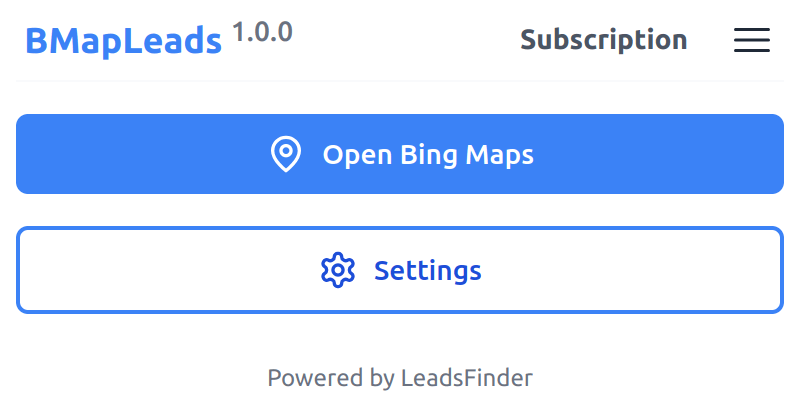
Export Bing Maps business listings
Use BMapLeads to collect business listing information from Bing Maps search results and organize available fields into a CSV file. Email addresses and social links are included only when they are publicly available from the listing or related business pages.

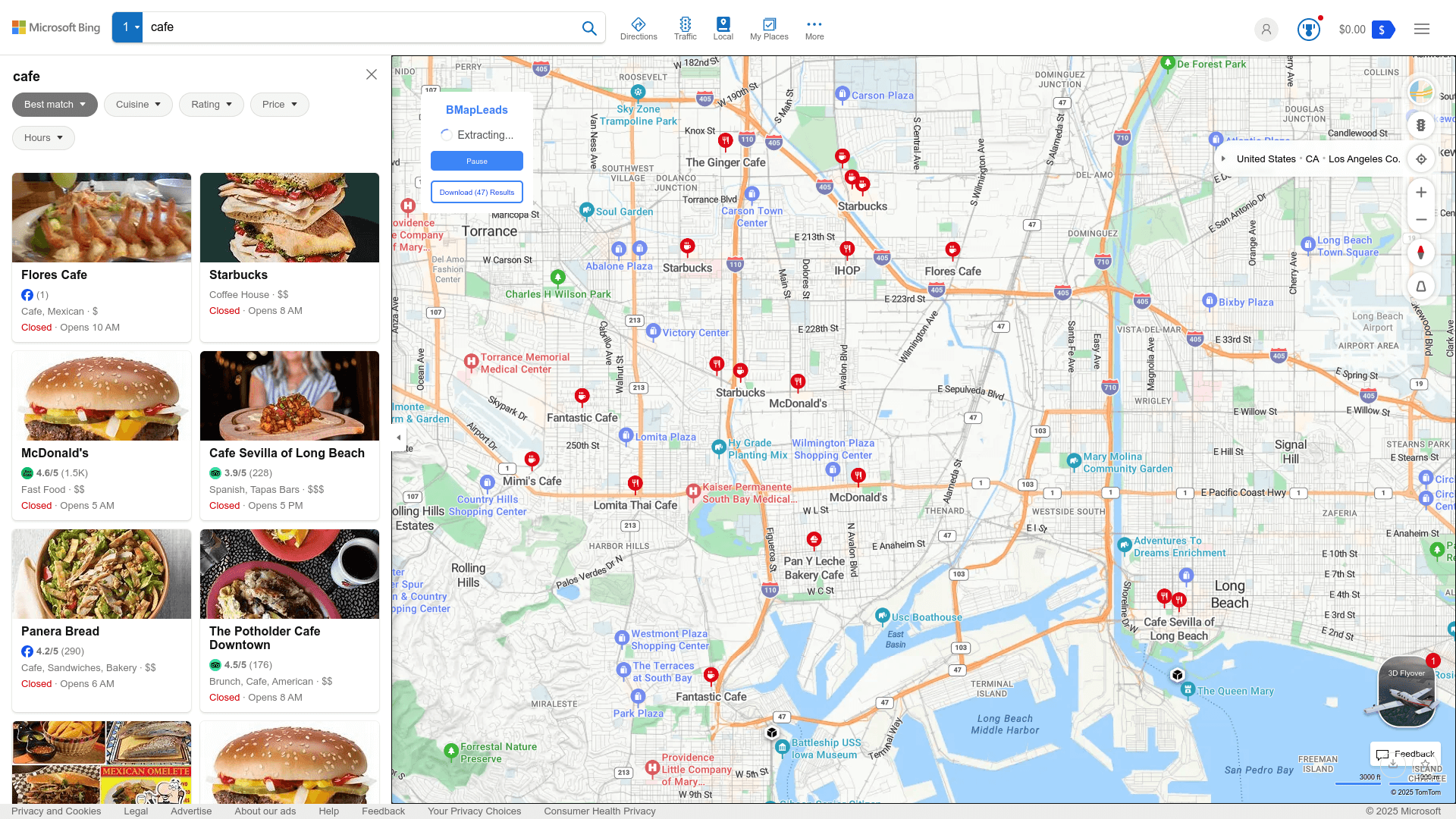
Use data responsibly. Use exported data only where you have a lawful basis and follow applicable privacy, anti-spam, platform, and outreach rules. You are responsible for how you use, store, and contact businesses from exported data.
Data fields available for export
The fields below can be exported when they are available in the source data.
| Field Name | Description |
|---|---|
| Name | The name of the place or business |
| Categories | The categories of the business |
| Address | The physical address of the place |
| Phone | The publicly listed phone number, when available |
| Emails(Paid Only) | Publicly available email addresses found for the business |
| Social Media(Paid Only) | Publicly available social links such as Facebook, Instagram, X/Twitter, YouTube, LinkedIn, or TikTok |
| Review Rating | The average rating from reviews |
| Review Count | The total number of reviews |
| Price | The price level indicator ($ ~ $$$$) |
| Opening Hours | The opening hours of the place |
| Latitude | The latitude coordinate of the place |
| Longitude | The longitude coordinate of the place |
| Plus Codes(Paid Only) | Location codes when available in the exported source data |
| Website | The official website of the place |
| Thumbnail | A small preview image of the place |
Start for free today
Install the extension and try exporting available Bing Maps business listing data on the free plan.
Pricing
Start with the free plan, then upgrade when you need higher-volume exports.
Free
$0
Try core exports at no cost
- Export up to 10 listings per search
- Export results as CSV / XLSX
- Choose export fields
- Export available basic information
- Export available phone numbers
Pro
$9/month
Export more available listing data
- Export more available listings per search, subject to platform availability
- Export results as CSV / XLSX
- Choose export fields
- Export available basic information
- Export available phone numbers
- Export publicly available email addresses and social media links when found
Frequently asked questions
Feel free to contact us if you have any other questions.
What is BMapLeads?
BMapLeads is a browser extension for exporting publicly available business listing information from Bing Maps search results. It can help reduce manual research by saving available fields such as business names, addresses, websites, phone numbers, emails, social media links, and more.Does BMapLeads work for any location or region worldwide?
BMapLeads can export from locations that are searchable on Bing Maps, subject to availability, browser behavior, plan limits, and source-site access. You can pan and zoom to focus on your desired area.
How to use BMapLeads?
Add the extension to your browser and create an account. After signing in, open Bing Maps, search for the business category or keywords you want to research, click the "Start Extracting" button, and BMapLeads will collect available listing fields. When the export is complete, you can download the results to your computer.How many listings can BMapLeads extract at a time?
Export volume depends on your plan, source-data availability, and how many results Bing Maps returns for the search area. To research more listings, you can pan or zoom to another area and continue the export.
How to upgrade my plan?
To upgrade your plan, please note that the process currently requires manual intervention from our side. To initiate the upgrade, kindly reach out to our support team and provide them with the details of your desired plan. They will assist you in upgrading to the plan that best fits your needs.Can I cancel my subscription?
You can cancel your subscription at any time through your extension's subscription page. Once canceled, you will retain access to the subscription until the end of your billing cycle.